
How to Update the Galaxy S3
If anything should watch for new users of the Samsung Galaxy S3 is updates. And is that as with all mobile phones that run on Android and look like they advanced, it is the most important to note that occasionally come out data packets specially prepared to enhance the functionality and performance of these devices. In the case of Samsung Galaxy S3, the terminal now more powerful than we have in the market, the interest must be doubled, but the fact is that at this stage it is too early to start getting some major reforms. It should, however, be prepared and know the exact procedure to update the Samsung Galaxy S3 faster, agile and stable. Here we offer brief instructions to help you in this task of updating one of the most important landscape smartphones.
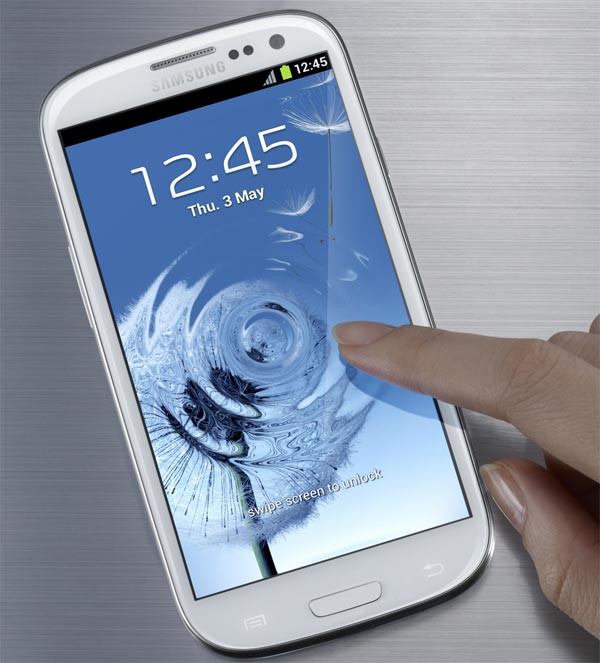
Throughout its life, Samsung will launch various upgrades to improve performance and to renew the firmware of Samsung Galaxy S3. If you want to check for any updates pending and you have no idea what exact version your device has been installed, you must access the section Settings and About in the device, compare the version number of Android you have installed. Chances are you do not have pending updates, since Samsung is responsible for notifying its customers of the existence of any data packet: either a version upgrade to the operating system or it is a small firmware upgrade, designed to improve specific device features. In any case, it is best to connect the phone via USB cable (found inside the box itself Galaxy S3) to computer.
Remember, before that in order to perform all these steps must be installed on the computer software Kies, a program that Samsung usually used to manage updates or synchronization of files between computers. If you do not know where to start, I remember that in the official website of Samsung have the program ready for download for both PC and Mac. Follow the instructions to carry out the installation and start enjoying the benefits of this platform, which in most cases will only use for updates. Once you've connected to this software, you can experience, if you have outstanding accounts with Samsung and if so, perform the installation. Simply follow the instructions that you provide to complete the task successfully.
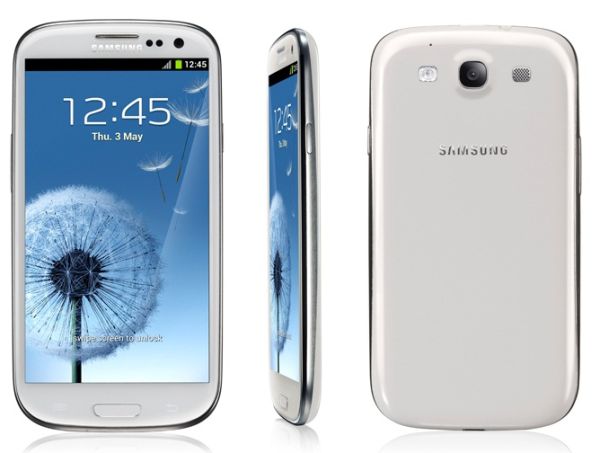
What if I want to update the software via FOTA? If you are not skilled in the art, you say that FOTA stands for Firmware Over The Air, the system updates easier than we have seen to date and provides data through the air, that is, without having to connect phone to the computer via cable. In this case, when you receive notice of pending update, you can select the option to download and start installing it. In this case, we must remember that the Galaxy S3 must have (at least) with 50% battery charge, it is preferable that the charge level is more than 80%. The device will work perfectly stable over 3G networks, although it is preferable to select a wireless network that can guarantee us a full and seamless reception of files. Know, however, that not all updates are ready to come through this route. In any case, you will receive timely information - on our part - to tell you the idiosyncrasies of each of the data packets that should receive Galaxy S3 over the coming months.
If you want to support our job please visit our links, we have a lot of offers for you, if not you can also visit our links


